Archive for the ‘Remove Lens Flare’ tag
Lens Flare
Lens flare is caused by light hitting the camera's lens and reflecting around off the internal elements of the lens. Generally lens flare is unwanted, although it can be used to good creative effect in some instances. You will often find lens flare in your photos when shooting with a bright light source (such as the sun) in or just outside the frame.

Aerialists by *Seth on flickr
Veiling Flare
Veiling flare is a type of flare that reduces contrast across the image, and is not visible as a defined artifact. This sort of lens flare is more common when the light source is placed just outside the frame.

Golden Hour by bcostin on flickr
Iris Flare
This is where flare forms well defined shapes in the image, with the flare taking on the shape of the lens' iris (aperture). If you are using a lens wide open or with a rounded aperture, you will get smoother, circular lens flare.
If you are stopping down the lens, you will get a hexagonal or octagonal shaped lens flare, depending on the shape of the aperture of the lens you are using.

Yard 1976 Sun Lens Flare Tinted Purple by Whiskeygonebad on flickr
Removing or Reducing Lens Flare
Lens Hood
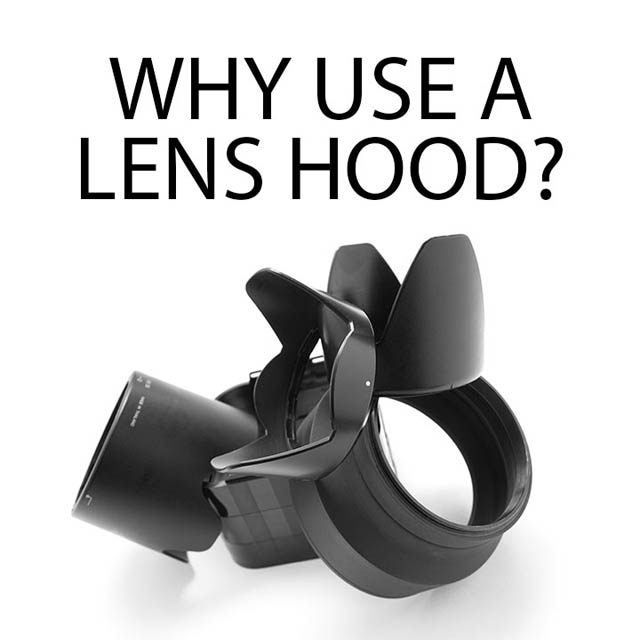
The easiest and quickest way to remove or reduce lens flare is to use a lens hood. This won't help much if you shooting straight into the sun, but should help reduce lens flare if the sun is just outside the frame.
If you don't have a lens hood with you, you can try shading the lens with your hand or a piece of paper.
Combining shots
If you are shooting straight into the sun, there may be no way to avoid lens flare at the time of taking the photo. However, what you can do is to take one normal photo, and then take another where you block out the sun, which should remove any lens flare.

Photo with lens flare

Photo with sun blocked out and no lens flare
Then on the computer, using Photoshop or similar software, you can combine the two images using a mask to remove the lens flare.
Clone out
If you have an existing photo with some lens flare that you want to remove, you can do this using tools such as the Clone stamp, Healing brush, Patch tool, and Content aware fill in Photoshop.
Removing lens flare from a background with a solid colour, such as a blue sky, shouldn't be too difficult. But if you want to remove lens flare from a more complicated background, such as tree branches, this will be much more tricky.
The best thing to do is to try and eliminate any unwanted lens flare at the time the photograph is taken.


Loading...